By -Novus- · Published · Updated
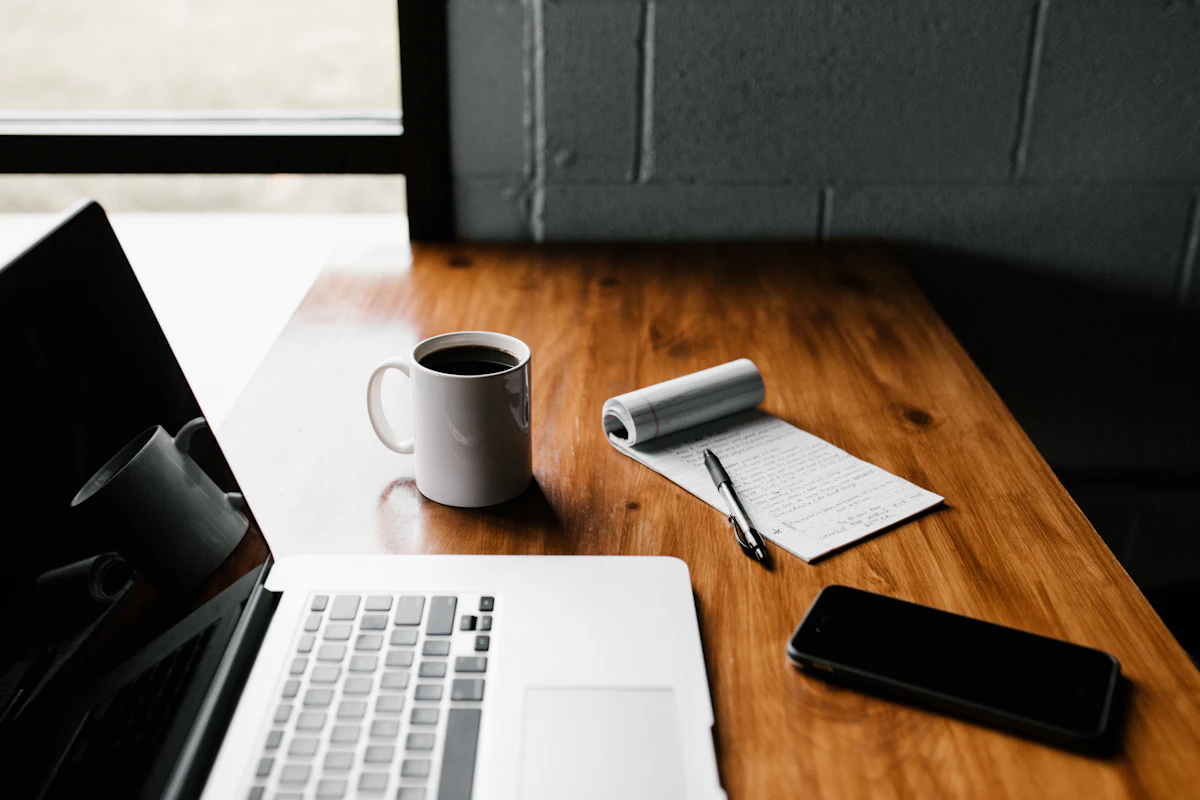
How I built and launched this site from scratch: the tools I used, what went wrong, and what I'd tell anyone starting their first website.
Designing and Launching My First Website: A Step-by-Step Guide
Welcome to my blog!
Over the past few weeks, I’ve been working on a project I’ve wanted to tackle for a long time: building my own website from scratch.
Initially, I assumed web development was strictly reserved for computer science pros or adults with years of experience. However, after diving in, I realized that with the right tools and a bit of patience, anyone can create a great site. Whether you want to showcase a portfolio, start a blog, or build an online space for a project, here is a breakdown of how I brought my site to life.
1. Defining the Concept and Name
Before touching any software, I needed a clear vision. I decided to build a digital plan to showcase my ideas and beliefs.
Once the concept was set, I had to choose a domain name. Finding something memorable—and ensuring it wasn't already taken—took some brainstorming, but I eventually picked a short, clean domain that fits my brand.
2. Selecting the Platform
While I am currently learning HTML and CSS, building an entire site from line-by-line code can be time-consuming. I decided to use a modern platform to streamline the process.
Depending on your goals, here are three strong options:
Wix or Lovable: Best for intuitive drag-and-drop design and clean visual templates.
WordPress: Ideal if you want maximum customization, flexibility, and control over plugins.
GitHub Pages: A fantastic, free option if you prefer to write custom code and host simple sites.
3. Designing the Layout and User Experience (UX)
Design was easily the most engaging part of the process. I focused on choosing a cohesive color palette, modern typography, and a clean user interface.
Design Tip: Prioritize simplicity. My initial draft had too many competing colors and fonts. Restricting your palette to 2–3 core colors creates a far more professional and readable experience.
4. Testing and Launching
Before publishing, I conducted a quick quality check:
Tested all navigation links to ensure there were no broken pages.
Formatted images so the pages loaded quickly.
Checked how the site looked on mobile screens compared to desktops.
Once everything looked polished, I officially published the site. Seeing a working URL direct visitors to something I built was incredibly rewarding.
Next Steps
My next goal is to integrate a subscriber list for updates and write a tutorial sharing the specific design tools I used.
Have you ever considered building your own website, or do you already run one? Let me know what tools you prefer in the comments below!